
Understand Databases, Tables, Rows, and what is SQL Syntax from Scratch
what is SQL doesn’t have to be confusing, and you don’t need a computer science degree to master it. Many people believe that working with data is a complex skill reserved for programmers, but that’s a common misconception. SQL was designed to be intuitive, powerful, and accessible.
This beginner-friendly guide will help you understand how data is stored, how databases work, and how SQL lets you interact with that data—even if you have zero programming experience. We will break down every concept into simple, digestible pieces, using analogies and real-world scenarios to solidify your understanding.
By the end of this page, you’ll:
- Know what SQL is and why it’s a fundamental skill in today’s data-driven world.
- Understand databases, tables, rows, and columns as the building blocks of data storage.
- Write your first SQL query and see how simple it is to retrieve information.
- Grasp the basic syntax rules that govern SQL commands.
- Be ready to move confidently to the next level of your data journey.
Let’s dive in and demystify the world of databases.
🚀 What is SQL?
SQL, which stands for Structured Query Language, is a standardized programming language used to communicate with and manage relational databases. Think of it as the universal language for data. Just as you use English to ask a friend for a piece of information, you use SQL to ask a database for specific data.

You use SQL to perform four primary operations, often remembered by the acronym CRUD:
- Create (Insert): Add new data into a database. For example, adding a new customer to your records.
- Read (Select): Retrieve data from a database. This is the most common use of SQL, such as finding all orders placed in the last month.
- Update: Modify existing data. For instance, changing a user’s shipping address.
- Delete: Remove unnecessary data. An example would be deleting an expired promotional offer from a product list.
Simple Analogy:
Imagine a large, well-organized library.
- 📦 Database → The entire library building. It holds all the information in an organized manner.
- 📁 Table → A specific section or category in the library, like “Fiction” or “History.”
- 📄 Row → A single book on a shelf. It represents one complete item, with all its details.
- 🏷️ Column → A specific detail about the book, such as its title, author, or publication date.
- 🗣️ SQL → The language you use to ask the librarian for a book. “I’d like to see all books by Mark Twain in the Fiction section.”
SQL reads almost like plain English, which makes it one of the easiest and most powerful skills to learn for anyone interested in technology, business, or data. Its syntax is declarative, meaning you tell the database what you want, and the database figures out how to get it for you.
🗄️ What is a Database?
A database is an organized collection of structured data, stored electronically in a computer system. Its primary purpose is to store vast amounts of information in a way that makes it easy to manage, access, and update. Without databases, the digital services we rely on every day would be impossible.

A database is managed by a Database Management System (DBMS), which is the software that interacts with users, applications, and the database itself to capture and analyze the data. Popular examples of relational DBMS include MySQL, PostgreSQL, Microsoft SQL Server, and Oracle Database.
Real-World Examples of Databases in Action:
- Banking Apps: When you log into your mobile banking app, a database stores your personal details, account balance, transaction history, and loan information. Every time you make a purchase, the database is updated in real-time.
- E-commerce Stores: Online retailers like Amazon use massive databases to manage product catalogs, inventory levels, customer orders, and shipping information. When you search for a product, you are querying a database.
- Social Media Platforms: Facebook, Instagram, and Twitter store user profiles, posts, comments, likes, and connections in complex databases. When you see your newsfeed, the platform has executed numerous SQL queries to fetch relevant content for you.
- Healthcare Systems: Hospitals and clinics maintain patient records, medical histories, appointment schedules, and billing information in secure databases. This allows doctors to quickly access a patient’s history for better care.
- Stock Market Platforms: Trading applications use high-performance databases to store real-time price data, historical trends, and trade information. These databases need to handle millions of transactions per second.
- Websites and Applications: Almost every website with a login feature uses a database to store user credentials, preferences, and activity logs. From a simple blog to a large-scale enterprise application, databases are the backbone that holds everything together.
Databases ensure data integrity (accuracy and consistency), security (protecting data from unauthorized access), and efficiency (allowing for quick retrieval and manipulation). Without this structured approach, managing information would be chaotic and unreliable.
📊 Tables, Rows & Columns (The Core Concepts)
To truly understand SQL, you must first grasp the fundamental structure of a relational database: tables, rows, and columns. This tabular format is what makes relational databases so powerful and intuitive.
What is a Table?
A table is the primary object in a database that stores data. It’s a collection of related data entries organized in a grid-like format with rows and columns. Each table in a database is designed to hold information about a specific type of entity, like customers, products, or orders.
For example, an e-commerce company might have separate tables for:
employees: To store information about staff.customers: To store user accounts and contact details.products: To list all items available for sale.orders: To track purchases made by customers.
Keeping data in separate, related tables prevents duplication and makes the database more efficient and easier to maintain. This concept is known as normalization.
Key Terms Explained Simply
| Term | Meaning | Analogy |
|---|---|---|
| Table | A collection of related data entries. | A spreadsheet sheet. |
| Row | A single, complete record in a table. Also called a record. | A single row in a spreadsheet. |
| Column | A single attribute or type of data for all records. Also called a field. | A single column in a spreadsheet. |
Example: An employees Table
Let’s look at a simple table named employees. This table stores information about the people working at a company.
| id | first_name | last_name | department | salary | hire_date |
|---|---|---|---|---|---|
| 1 | Rahul | Sharma | IT | 60000 | 2022-03-15 |
| 2 | Anita | Patel | HR | 50000 | 2021-07-21 |
| 3 | John | Smith | Sales | 75000 | 2023-01-10 |
| 4 | Priya | Singh | IT | 62000 | 2023-08-01 |
How to read this table:
- The entire structure is the
employeestable. It holds all the employee data in one place. - Each row represents one unique employee. For example, the first row is for Rahul Sharma.
- Each column represents a specific piece of information, or an attribute, about the employees. The
first_namecolumn contains only the first names, and thesalarycolumn contains only the salaries. - The
idcolumn is a primary key. It’s a unique identifier for each row, ensuring that no two employees have the same ID. This prevents confusion and makes it easy to reference a specific employee.
This structured format makes data easy to search, sort, filter, update, and analyze. For instance, you could quickly find all employees in the “IT” department or identify the employee with the highest salary.
✨ Your First SQL Query
Now that you understand the structure, let’s write your very first SQL query. It’s simpler than you think! Our goal is to ask the database to show us all the information it has in the employees table.
The query looks like this:
SELECT * FROM employees;
Let’s break down what this command means, piece by piece:
SELECT: This is the keyword you use when you want to retrieve data. It tells the database, “I want to select some information.”*: The asterisk is a wildcard character in SQL. It means “all columns.” So,SELECT *translates to “select all columns.”FROM employees: This part specifies which table you want to get the data from.FROM employeestells the database to look inside theemployeestable.;: The semicolon marks the end of the SQL statement. While not always required in some SQL clients, it’s a best practice to include it, especially when running multiple commands.
🧠 Translation:
Putting it all together, the query SELECT * FROM employees; is essentially saying:
“Show me everything from the employees table.”
When you run this query, the database will return the entire employees table we saw earlier.
That’s it—you’ve just written your first SQL query! 🎉 You have successfully communicated with a database and asked it to give you information. This SELECT statement is the foundation of almost everything you will do in SQL.
🧩 SQL Syntax Basics (Beginner-Safe)
SQL has a few simple rules that make it consistent and easy to read. You don’t need to memorize a complex manual; just keep these points in mind as you start writing more queries.

- SQL keywords are not case-sensitive.
SELECT,select, andSeLeCtare all interpreted the same way. However, it’s a common convention to write SQL keywords inUPPERCASEto make queries more readable by distinguishing them from table and column names.- Table and column names are typically case-sensitive depending on the database system. To be safe, always write them exactly as they appear in the database schema.
- SQL statements usually end with a semicolon (
;). This signals the end of a command and is crucial when you are executing multiple SQL statements at once.- Whitespace is ignored. You can format your queries with line breaks and indentation to improve readability, especially for longer, more complex queries.
- Errors are normal (even for professionals). You will frequently encounter syntax errors, typos, or logical mistakes. Learning to read error messages is a key part of becoming proficient in SQL. Don’t be discouraged!
Selecting Specific Columns
You won’t always want every piece of information from a table. SQL makes it easy to select only the columns you need. Instead of using the * wildcard, you simply list the names of the columns you want, separated by commas.
Example:
Let’s say you only want to see the first name, last name, and salary of each employee. Your query would be:
SELECT first_name, last_name, salary FROM employees;
What does this mean?
SELECT first_name, last_name, salary: Instead of “all columns,” you are now specifically asking for thefirst_name,last_name, andsalarycolumns.FROM employees: The data should still come from theemployeestable.
🧠 Translation:
“Show me only the first name, last name, and salary for everyone in the employees table.”
This ability to pick and choose data is what makes SQL so flexible and efficient.
💡 Why Learn SQL?
In a world where data is often called “the new oil,” SQL is the engine that extracts, refines, and delivers it. It’s one of the most in-demand skills in the tech industry and beyond, opening doors to a wide variety of career paths.
SQL is used by:
- Data Analysts: To query databases, analyze trends, and generate reports that inform business decisions.
- Software Developers & Backend Engineers: To build applications that can store, retrieve, and manipulate user data.
- Business Intelligence (BI) Professionals: To create dashboards and visualizations that track key performance indicators (KPIs).
- Product Managers: To understand user behavior, track feature usage, and make data-informed product decisions.
- Marketers: To segment customer lists, analyze campaign performance, and personalize marketing efforts.
- Scientists and Researchers: To manage and analyze large datasets from experiments and studies.
Why SQL is a skill worth learning:
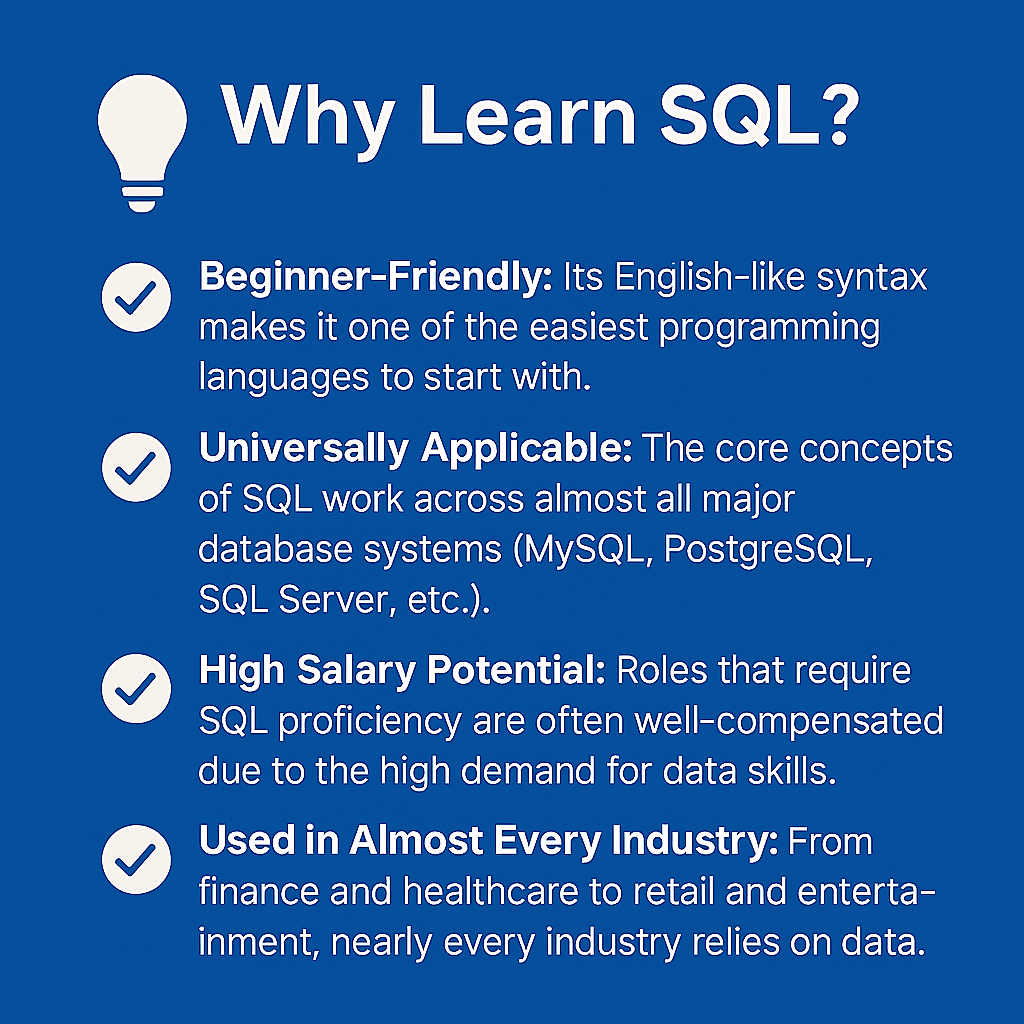
- Beginner-Friendly: Its English-like syntax makes it one of the easiest programming languages to start with.
- Universally Applicable: The core concepts of SQL work across almost all major database systems (MySQL, PostgreSQL, SQL Server, etc.).
- High Salary Potential: Roles that require SQL proficiency are often well-compensated due to the high demand for data skills.
- Used in Almost Every Industry: From finance and healthcare to retail and entertainment, nearly every industry relies on data.
- Essential for Data-Driven Decisions: Learning SQL empowers you to answer your own questions using data, rather than relying on others.
Learning SQL is a career accelerator. It gives you direct access to the most valuable asset of any modern company: its data.
🧪 Try It Yourself (Practice Preview)
Reading about SQL is a great start, but hands-on practice is the fastest and most effective way to learn. Theory can only take you so far; you need to write queries, make mistakes, and see the results for yourself to truly build confidence.
👉 Interactive SQL Sandbox coming soon, where you’ll:
- Write queries directly in your browser. No complex setup or installation required.
- See instant results. Run your code and immediately see the output from a real database.
- Work with sample datasets. Practice on pre-loaded tables for e-commerce, user data, and more.
- Practice everything you learn step-by-step. Follow guided exercises that build on each concept.
Hands-on practice solidifies your understanding and turns theoretical knowledge into a practical skill.
🗺️ Your SQL Learning Path
You’ve successfully taken the first step on your SQL journey. This guide has laid the groundwork, but there is much more to explore. Here’s a roadmap of what comes next:
- Getting Started (You are here): Understanding the fundamentals of databases, tables, and the
SELECTstatement.- Basic Queries (
WHERE,ORDER BY,LIMIT): Learning how to filter data based on conditions, sort your results, and limit the number of rows returned.- Essential Operations (
INSERT,UPDATE,DELETE): Mastering the commands to add, modify, and remove data from your tables.- Joins & Relationships (
INNER JOIN,LEFT JOIN): The real power of SQL! Learning how to combine data from multiple tables.- Aggregate Functions (
COUNT,SUM,AVG): Performing calculations on your data to find totals, averages, and counts.- Advanced SQL Concepts (
GROUP BY, Subqueries): Grouping data to perform analysis on subsets and writing more complex, nested queries.
Each step builds upon the last, progressively expanding your ability to work with data.
👉 Next Step:
Continue to Basic Queries →
❓ Frequently Asked Questions
Is SQL hard for beginners?
No. SQL is widely considered one of the easiest programming languages to start with. Its syntax is logical and closely resembles natural English, making the learning curve much gentler than languages like Python or Java.
Do I need any programming knowledge to learn SQL?
Absolutely not. This guide is designed for complete beginners. You don’t need any prior coding experience to start learning SQL. All you need is a logical mind and a desire to learn.
How long does it take to learn SQL?
With consistent practice (e.g., an hour a day), you can learn the fundamentals of SQL, including filtering, joining tables, and aggregate functions, within 2–3 weeks. Mastery, like any skill, takes longer, but you can become proficient enough to be productive very quickly.
Which database should I start with?
For beginners, the specific database system doesn’t matter as much as learning the standard SQL concepts. The core language is the same across popular systems like MySQL, PostgreSQL, and SQLite. SQLite is often recommended for beginners because it’s serverless and easy to set up on your local machine.
Is SQL still relevant with the rise of NoSQL databases?
Yes, absolutely. While NoSQL databases have their use cases (especially for unstructured data), relational databases and SQL remain the dominant technology for structured data, which powers the vast majority of business applications. SQL is more relevant today than ever.
📩 Free SQL Beginner Resources
Want to accelerate your learning? Grab these free resources to help you on your journey.
👉 Download the free SQL Beginner Cheat Sheet
A handy, one-page reference for all the essential commands and syntax you’ll need as you start practicing.
OR
👉 Get weekly SQL lessons straight to your inbox
Join our newsletter for practical tips, tutorials, and practice problems delivered every week. No spam. Only practical, actionable learning.
🎯 Final Words
SQL is not just another technical skill—it’s a gateway to understanding the digital world. It empowers you to ask questions and get answers directly from data, making you a more valuable asset in any role.
You’ve already taken the most important step: getting started. By understanding the concepts on this page, you have built a solid foundation. Now, it’s time to build on that foundation and grow your confidence, one query at a time.